Contact Us

TD Business Central Security: Enterprise-Grade Protection for Your Commercial Banking

Every session on TD Business Central is encrypted, authenticated and monitored. The platform's security architecture operates under OSFI B-13 Technology and Cyber Risk Management guidelines — the regulatory standard that governs how Canadian financial institutions must protect technology infrastructure and client data.

This is not checkbox compliance. TD Business Central deploys AES-256 encryption, adaptive multi-factor authentication, behavioural fraud detection and IP-based access restrictions as interconnected layers. A breach of one layer triggers the next. Your financial data never leaves Canadian data centres, and every transaction carries a complete audit trail.

Access Secure Portal Report a Security Concern
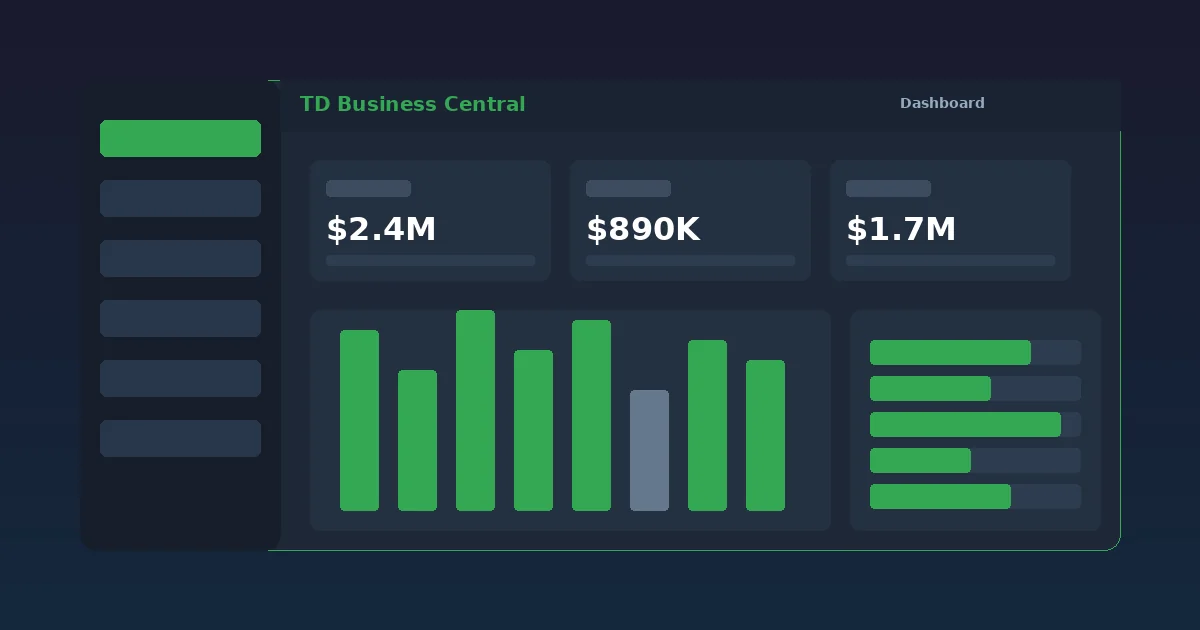
Security architecture diagram showing encryption, authentication and monitoring layers protecting TD Business Central banking portal

Security Architecture Overview

TD Business Central's security model is built on four pillars: encryption, authentication, monitoring and compliance. Data at rest uses AES-256 encryption; data in transit is protected by TLS 1.3. Every login requires multi-factor authentication, with step-up verification enforced for high-value transactions. A real-time fraud detection engine analyses behavioural patterns, flags anomalies and can suspend suspicious activity within seconds. The entire framework aligns with OSFI B-13 guidelines and PIPEDA requirements for data privacy in Canadian financial services.

Encryption and Data Protection

Every byte of data moving through the platform is encrypted. No exceptions, no optional toggles.

AES-256 Encryption at Rest

All data stored within TD Business Central — account details, transaction records, payment files, user credentials — is encrypted using AES-256, the Advanced Encryption Standard with a 256-bit key length. This is the same standard mandated by the US National Security Agency for classified information. Brute-forcing an AES-256 key would take longer than the current age of the universe using existing computing technology.

Encryption keys are managed through a dedicated hardware security module (HSM) infrastructure. Keys rotate on a scheduled basis and are never stored alongside encrypted data. Even in the hypothetical scenario of a physical server compromise, the encrypted data would be unreadable without the corresponding key material held in separate, tamper-resistant hardware.
Encryption architecture showing AES-256 data-at-rest protection with hardware security module key management
TLS 1.3 secure connection flow diagram between user browser and TD Business Central servers

TLS 1.3 In-Transit Protection

Every connection between your browser and TD Business Central uses TLS 1.3 — the latest version of the Transport Layer Security protocol. TLS 1.3 eliminates vulnerable cipher suites present in older versions and completes handshakes faster, reducing latency while strengthening security.

The platform enforces strict certificate validation. Downgrade attacks, man-in-the-middle interception and protocol stripping attempts are blocked at the connection layer before they reach application logic. Session tokens are bound to the originating IP address and expire after configurable inactivity periods, defaulting to 15 minutes for standard users.

Multi-Factor Authentication

A password alone does not grant access. TD Business Central requires a second verification factor on every login and enforces step-up authentication for sensitive operations.

SMS and Email Codes

One-time passcodes delivered to your registered mobile number or email address. Codes expire within 5 minutes and cannot be reused. This method provides immediate second-factor verification without additional hardware or software requirements.

Hardware Security Tokens

Physical token devices generate time-based one-time passwords (TOTP) independent of mobile networks. Ideal for environments with unreliable cellular coverage or organizations that require air-gapped authentication factors as part of their internal security policy.

Biometric Verification

Mobile users can authenticate via fingerprint or facial recognition on iOS and Android devices. Biometric data never leaves the device — the platform receives only a cryptographic confirmation that the biometric check passed. This approach balances security with the speed that mobile approval workflows demand.

Step-Up Authentication

High-value operations trigger additional verification beyond the initial login MFA. Wire transfers above configurable thresholds, new payee additions, user permission changes and bulk payment file submissions all require a fresh authentication challenge. This prevents unauthorized transactions even if a session is compromised after login.

Administrator MFA Controls

Account administrators can enforce specific MFA methods per user role. A controller approving $500K wire transfers may be required to use a hardware token, while a clerk viewing transaction history uses SMS codes. Granular control ensures security scales with responsibility level without creating friction for lower-risk tasks.

Real-Time Fraud Detection and Prevention

Automated monitoring analyses every transaction and session in real time. Suspicious activity triggers alerts and intervention within seconds, not hours.

Behavioural Analytics

The fraud engine builds a baseline profile of normal activity for each user and account: typical login times, device fingerprints, transaction amounts, payment frequencies, beneficiary patterns. Deviations from this baseline — a login from an unfamiliar country, a wire transfer 10 times the usual amount, rapid successive payment submissions — trigger graduated alerts from notification to temporary suspension.

Velocity and Anomaly Checks

Transaction velocity monitoring detects patterns that individual transaction limits would miss. Twenty $4,900 payments submitted within an hour to different beneficiaries? Flagged immediately. The system cross-references geolocation data, device fingerprints and IP reputation databases to assess risk scores in real time. High-risk scores activate step-up authentication or block the transaction pending manual review.

Positive Pay Integration

For cheque-based payments, Positive Pay cross-references presented cheques against your issued cheque register. Mismatches in payee name, amount or cheque number are flagged before the cheque clears. This prevents altered cheque fraud — one of the most common commercial banking attack vectors.

24/7 Fraud Response

If you suspect unauthorized activity on your TD Business Central account, call the fraud hotline at 1-800-893-8319 — available 24 hours a day, 7 days a week. The response team can freeze accounts, reverse pending transactions and initiate forensic review immediately. During business hours, the main support line at 1-866-222-3456 also handles security escalations.

Regulatory Compliance: OSFI, PIPEDA and Beyond

TD Business Central does not treat compliance as a separate project. Regulatory requirements are embedded in the platform's architecture, not bolted on afterward.

OSFI B-13 Technology and Cyber Risk Management

The Office of the Superintendent of Financial Institutions published the B-13 guideline to establish expectations for how federally regulated financial institutions manage technology and cyber risks. TD Business Central aligns with B-13 requirements across risk governance, technology operations, cyber security, and third-party risk management. This includes maintaining incident response plans, conducting regular vulnerability assessments and ensuring business continuity capabilities meet OSFI's threshold expectations.

PIPEDA Data Privacy

Under the Personal Information Protection and Electronic Documents Act, TD Business Central collects only the personal information necessary to deliver banking services. Data is stored exclusively in Canadian data centres. Users can request access to their stored personal information, and the platform maintains transparent data retention policies. The privacy framework ensures compliance with Canada's federal privacy legislation while supporting provincial equivalents where applicable.

FINTRAC Anti-Money Laundering

TD Business Central's transaction monitoring and reporting capabilities support compliance with FINTRAC requirements under the Proceeds of Crime (Money Laundering) and Terrorist Financing Act. Automated suspicious transaction detection, detailed audit trails and configurable reporting thresholds help businesses meet their own AML obligations when processing high-volume payments through the platform.

Audit Trail and Record Retention

Every action within TD Business Central generates a timestamped, immutable log entry: logins, payment submissions, approvals, rejections, file uploads, user permission changes and report exports. These audit trails are retained according to regulatory retention schedules and can be exported for internal audit, external examination or legal discovery purposes. Nothing happens on the platform without a record.

Security Best Practices for TD Business Central Users

Platform-level security protects the infrastructure. User-level security protects individual accounts. Both matter.

Use Strong, Unique Passwords

Create passwords with a minimum of 12 characters, mixing uppercase and lowercase letters, numbers and special characters. Do not reuse passwords from other platforms. Consider a password manager to generate and store credentials securely.

Enable Hardware Token MFA

While SMS and email codes provide baseline second-factor protection, hardware tokens offer the strongest authentication. They are immune to SIM-swap attacks and phishing that can intercept text-message codes. Request a token from your TD commercial banking advisor.

Review User Permissions Regularly

Audit user access roles quarterly. Remove access for departed employees immediately. Apply the principle of least privilege: give each user the minimum permissions required for their job function. Do not share login credentials between staff members under any circumstances.

Verify Payee Details Before Sending

Business email compromise (BEC) attacks often involve fraudulent requests to change vendor banking details. Always verify payee changes through a separate communication channel — a phone call to a known number, not a reply to the email requesting the change.

Monitor Account Alerts

Configure account alerts for login activity, large transactions and failed authentication attempts. Immediate notification of unusual activity gives you the window to respond before a compromised session causes financial damage. Set alert thresholds based on your normal transaction patterns.

Keep Systems Updated

Ensure your browser, operating system and antivirus software are current. TD Business Central supports the latest versions of Chrome, Firefox, Edge and Safari. Outdated software may contain known vulnerabilities that attackers exploit to intercept banking sessions.

Security Frequently Asked Questions

TD Business Central protects business data through multiple security layers: AES-256 encryption for data at rest and in transit, TLS 1.3 for all browser-to-server communication, adaptive multi-factor authentication, real-time fraud monitoring, IP-based access restrictions, and session timeout controls. All data resides in Canadian data centres and the platform operates under OSFI B-13 Technology and Cyber Risk Management guidelines.

TD Business Central uses AES-256 bit encryption for data at rest and TLS 1.3 encryption for all data in transit between your browser and the platform's servers. AES-256 is the same encryption standard used by government agencies and military organizations worldwide. Every transaction, file upload and session is encrypted end-to-end.

TD Business Central supports multiple MFA methods including SMS one-time passcodes, email verification codes, hardware security tokens and biometric authentication on mobile devices. Administrators can enforce specific MFA methods per user role and require step-up authentication for high-value transactions such as wire transfers above a configurable threshold.

The platform's fraud detection engine monitors transactions in real time using behavioural analytics, velocity checks, geolocation analysis and anomaly detection algorithms. Unusual patterns such as login attempts from new locations, sudden changes in payment amounts or rapid successive transactions trigger automated alerts and may temporarily suspend activity pending verification. The 24/7 fraud hotline at 1-800-893-8319 provides immediate human support.

Yes. TD Business Central operates under OSFI B-13 Technology and Cyber Risk Management guidelines, which set the regulatory standard for technology risk in Canadian financial institutions. The platform also complies with PIPEDA for data privacy and maintains detailed audit trails required by FINTRAC for anti-money laundering compliance. All data is stored exclusively in Canadian data centres.

Questions About TD Business Central Security?

Our commercial banking team can walk you through the platform's security architecture, compliance certifications and user access controls in detail. If you have an active security concern or suspect unauthorized activity, call the 24/7 fraud hotline immediately at 1-800-893-8319.

For general security questions and platform inquiries, reach the TD Business Central support team during business hours.

Contact Security Team