Contact Us

Account Summary: Real-Time Multi-Account Aggregation on TD Business Central

Account Snapshot Essentials

The TD Business Central account summary consolidates balances from every linked business account into one real-time dashboard. It supports intraday updates within 60 seconds of settlement, multi-entity aggregation across subsidiaries, and exportable data in CSV, BAI2, MT940 and PDF. Treasury teams use it to monitor available cash, flag anomalies and forecast short-term liquidity. Over 65,000 active business users rely on this view as their financial command centre.

Your business does not operate on yesterday's numbers. The TD Business Central account summary delivers live balance data the moment transactions settle, giving your finance team the clarity to make funding decisions, avoid overdrafts and optimize sweep arrangements without waiting for end-of-day batch files.

Access Account Summary Configure Alerts
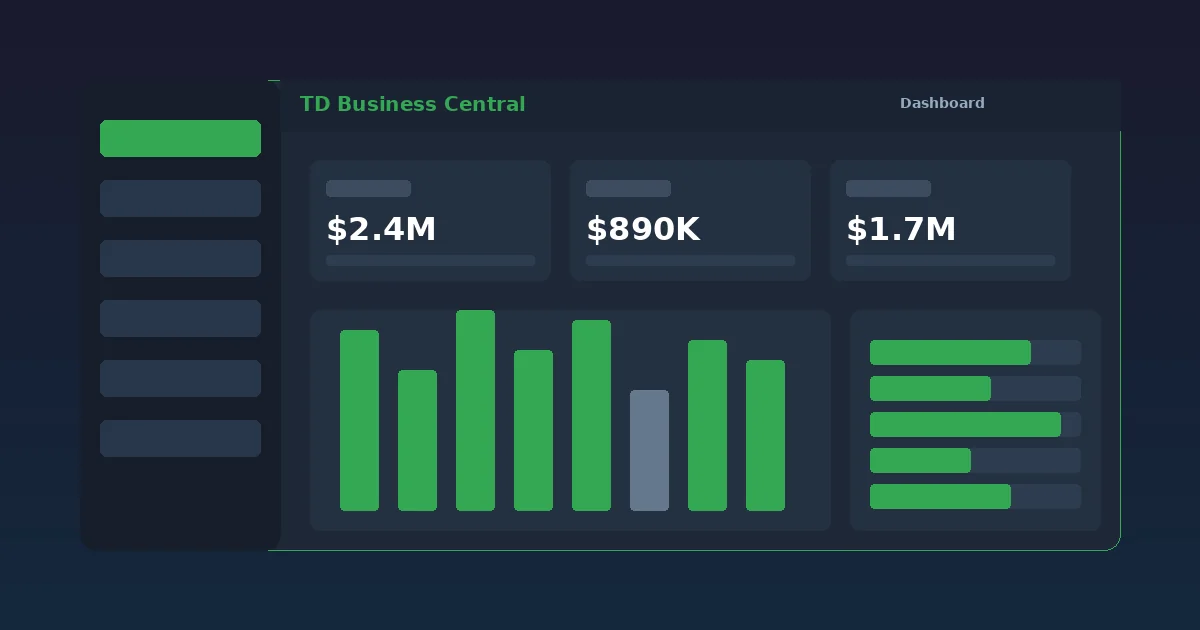
TD Business Central account summary dashboard showing aggregated balances across multiple operating accounts with intraday trend visualization

Multi-Account Aggregation Across All Business Entities

TD Business Central pulls every linked account into one consolidated view. No more toggling between portals or spreadsheets.

Most businesses run more than one account. Operating, payroll, tax remittance, reserve — each serves a distinct purpose. The problem is visibility. When balances sit in separate systems, treasury teams waste hours reconciling positions manually and risk making decisions on stale data.

TD Business Central eliminates that friction. The account summary aggregates balances from every linked account, including those held under separate legal entities and subsidiaries. One screen shows your total cash position. Each account row displays the ledger balance, available balance, pending debits and pending credits — all refreshed in near real-time.

Multi-entity businesses gain particular value. A holding company with four operating subsidiaries can see all 16 accounts on a single page without switching contexts. Permission controls ensure that divisional finance managers see only their designated accounts, while the CFO views the full consolidated picture.

The aggregation engine handles up to 500 linked accounts per organization. That capacity covers even the most complex corporate structures, from mid-market firms with a handful of accounts to enterprise conglomerates managing dozens of entities across provinces.

According to the OSFI Corporate Governance Guideline, federally regulated financial institutions must maintain robust oversight of consolidated financial positions. TD Business Central's aggregation capabilities support that standard by providing a single source of truth for cash balances across all entities.
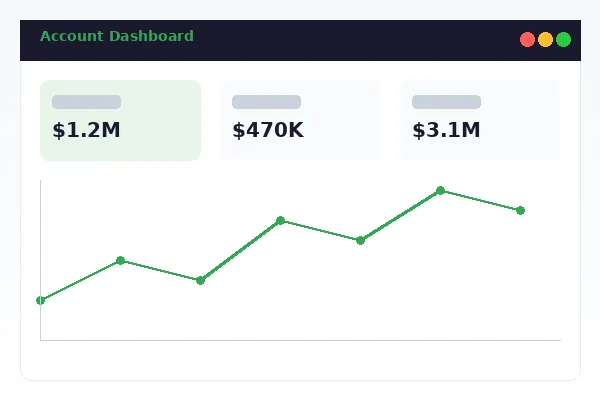
Consolidated multi-entity account view in TD Business Central showing operating payroll and reserve account balances across four subsidiaries

Real-Time Balances and Intraday Position Updates

Balances update within 60 seconds of transaction settlement. Your cash position is always current.

Intraday Balance Monitoring

Intraday balance monitoring tracks every credit and debit as it posts. Wire transfers, EFT settlements, cheque clearings and point-of-sale transactions all appear within one minute of processing. This is not a periodic refresh — the system streams updates continuously throughout the banking day.

For treasury teams managing liquidity across multiple accounts, the difference between a 60-second delay and an end-of-day batch is the difference between proactive cash management and reactive scrambling. When a large receivable lands at 10:14 AM, your team knows at 10:15 AM. That speed enables same-day reallocation of surplus funds into higher-yield instruments or coverage of an unexpected outflow.

The dashboard displays both the ledger balance (all posted transactions) and the available balance (posted minus holds and pending debits). A visual indicator flags accounts where the available balance has dropped below a configured threshold, giving instant visibility into potential shortfall situations before they escalate.

Cash Position Forecasting

Beyond current balances, the account summary includes a forward-looking cash position forecast. Scheduled outgoing payments — payroll runs, recurring vendor disbursements, tax remittances — are factored into projected balances for the next 7, 14 and 30 days.

Expected receivables can be entered manually or imported from your ERP system via API integration. The forecast model compares projected inflows against confirmed outflows and highlights any date where the net position risks going negative. Early warning beats late discovery every time.

The Bank of Canada publishes daily settlement rate data that influences interbank clearing timelines. TD Business Central factors standard clearing windows into its forecasts so projected available dates reflect realistic settlement behaviour, not optimistic assumptions.

Account Types Supported in the Dashboard

TD Business Central aggregates every major business account type into a unified summary view. Here is the full list.

Account Type Currency Support Intraday Updates Multi-Entity Export Formats
Business Operating Account CAD, USD Yes — 60-second refresh Yes CSV, BAI2, PDF, MT940
Payroll Account CAD Yes — 60-second refresh Yes CSV, BAI2, PDF
Business Savings Account CAD Yes — end-of-day for interest Yes CSV, PDF
USD Operating Account USD Yes — 60-second refresh Yes CSV, BAI2, PDF, MT940
Tax Remittance Account CAD Yes — 60-second refresh Yes CSV, PDF
GIC / Term Deposit CAD End-of-day only Yes CSV, PDF
Business Credit Card Account CAD, USD Yes — transaction-level Yes CSV, PDF
Line of Credit CAD, USD Yes — 60-second refresh Yes CSV, PDF

Dashboard Customization and Personalization

Every user can configure which accounts appear, how they are grouped and what metrics take priority on their view.

Custom Account Grouping

Drag and drop accounts into logical groups. Create groupings by entity, by purpose (operating vs. reserve), by currency or by any structure that matches your organizational chart. Groups are saved per user, so the payroll manager sees payroll accounts first while the treasurer sees the full consolidated view.

Each group displays a subtotal row with the aggregate ledger and available balances. Expand a group to see individual accounts. Collapse it when you only need the total. Simple but effective for organizations running 20 or more accounts.

Favourite Accounts and Quick Actions

Star your most-used accounts to pin them at the top. Quick actions let you initiate a fund transfer, pull a mini-statement or set an alert directly from the summary row without navigating away from the dashboard. Speed matters when you are reviewing 30 accounts before a 9 AM funding call.

The dashboard remembers your last view. Close the browser, come back two days later, and your groupings, sort order and collapsed sections are exactly where you left them. No reconfiguration needed.

Related Business Banking Services

Extend your account visibility with these complementary TD Business Central tools.

Account Alerts

Set threshold-based notifications for balance changes, large transactions and payment confirmations. Alerts deliver via email, SMS or in-app push. Configure account alerts.

Deposit Funds

Deposit cheques remotely using mobile capture or branch drop-off. Track clearing status and availability directly from your account summary. Learn about deposit options.

Positive Pay

Protect your accounts from fraudulent cheques with automated matching and exception item management. Set up Positive Pay.

Frequently Asked Questions About Account Summary

The account summary dashboard refreshes balances in near real-time with intraday updates arriving within 60 seconds of settlement. Overnight batch balances are posted by 6:00 AM ET. You can also trigger a manual refresh at any time by clicking the refresh icon on the dashboard header. This ensures your available balance always reflects the most recent transaction activity across all linked accounts.

Yes. TD Business Central supports multi-entity aggregation, allowing you to consolidate accounts from multiple legal entities, subsidiaries and divisions into a single unified dashboard view. Each entity maintains its own access controls while the summary provides a consolidated cash position across all linked organizations. Up to 500 accounts can be aggregated per organization.

The account summary can be exported in CSV, BAI2, PDF and MT940 formats. CSV exports integrate directly with spreadsheet applications. BAI2 format is optimized for automated bank reconciliation with accounting platforms like QuickBooks, Xero and Sage. MT940 supports SWIFT-compatible reporting. PDF exports provide print-ready summaries suitable for board presentations and audit documentation.

Navigate to the Account Summary page and click the bell icon next to any account. Set minimum and maximum balance thresholds, choose your delivery method (email, SMS or in-app notification), and save. Alerts trigger within 90 seconds of the threshold being crossed. For advanced alert configuration including multi-condition rules, visit the Account Alerts section.

Yes. The account summary displays both posted and pending transactions. Pending items are flagged with a yellow status indicator and include the expected settlement date. The available balance calculation accounts for pending debits so you always see your true available funds, not just the ledger balance. This includes holds placed on deposited cheques, pending wire transfers and pre-authorized debits.

Get Full Visibility Into Your Business Accounts

TD Business Central gives your treasury team the real-time cash position data they need to make confident funding decisions. Contact a commercial banking advisor to configure your account summary dashboard for your organizational structure.

Request a Demo